
Printable templates
Lab Notebook Templates
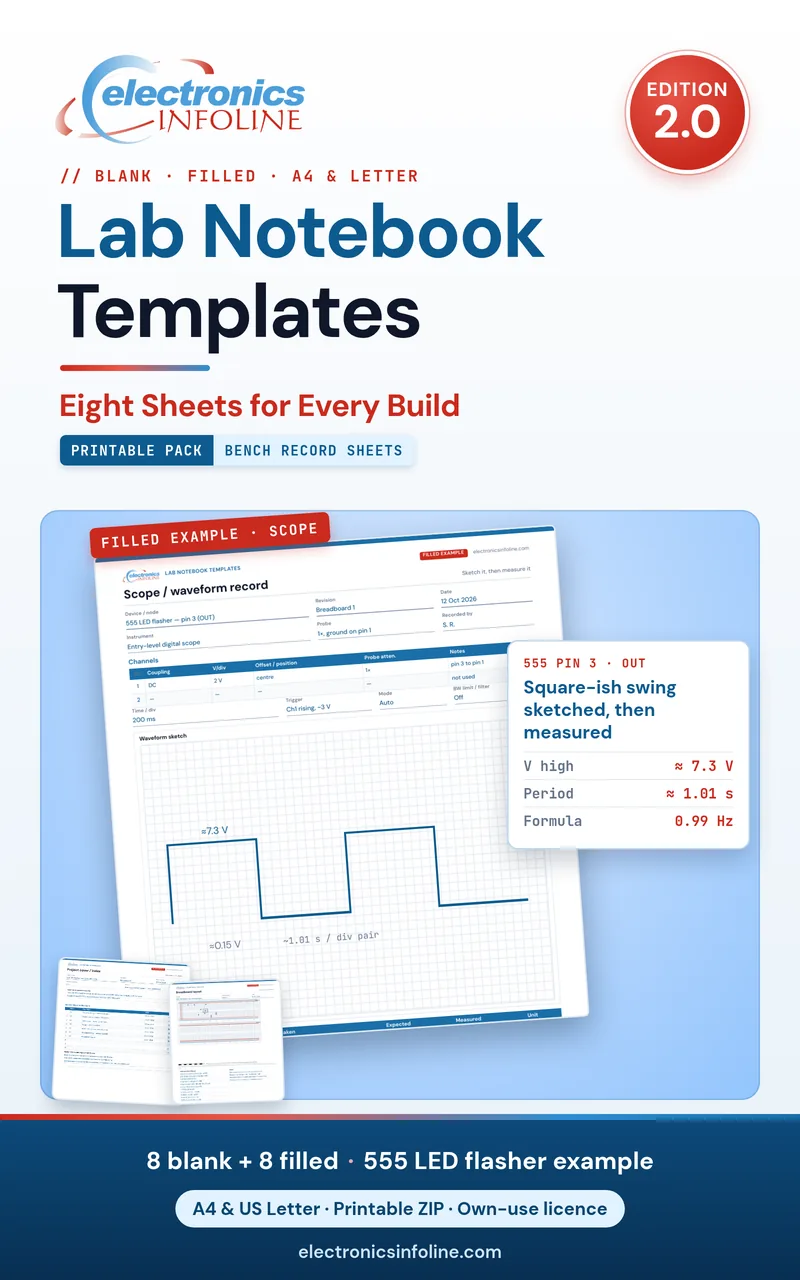
Eight printable sheets for keeping a proper record at the bench: project cover, build log, design calculations, test record, scope record, a BOM with ₹ and $ columns, a troubleshooting flow and a full-size breadboard grid. Each comes blank and filled in for one real project, our 555 LED flasher. A4 and US Letter, and they print well in black and white.
Edition 2.0: 8 blank sheets and 8 filled examples, plus a cover and a start-here page, in A4 and US Letter (23 PDFs) · ZIP of print-ready PDFs: one folder for A4 and one for US Letter, each with the cover, a start-here page, the eight blank sheets and the filled examples
$2.99
Price in US dollars. One-time payment, no subscription.
You pay on PayPal with your PayPal account or a card, then come straight back here for the download link.
Digital download, for your own use. See the refund policy.
- Instant download after payment.
- The link works for 7 days and 5 downloads. Save the ZIP file somewhere safe.
- Unzip it, open the folder for your paper size and print at 100 % (“actual size”). The breadboard sheet has a 50 mm bar: measure it to check the scale.
Preview
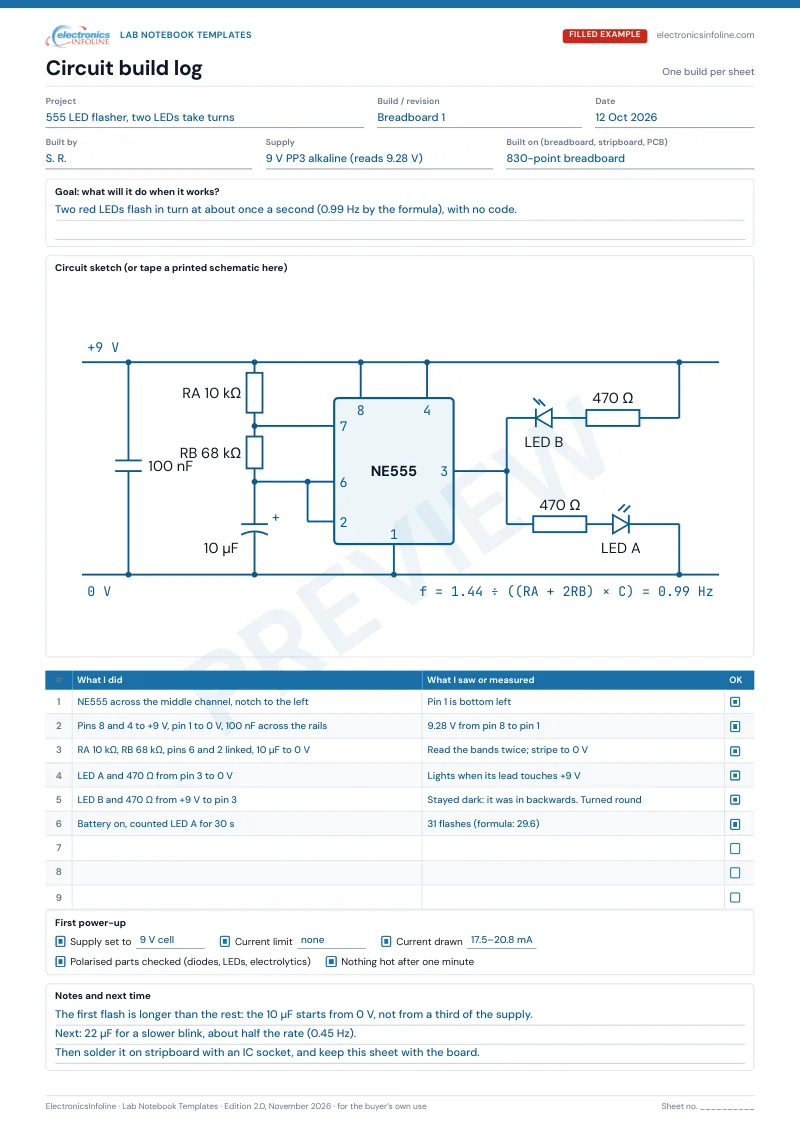
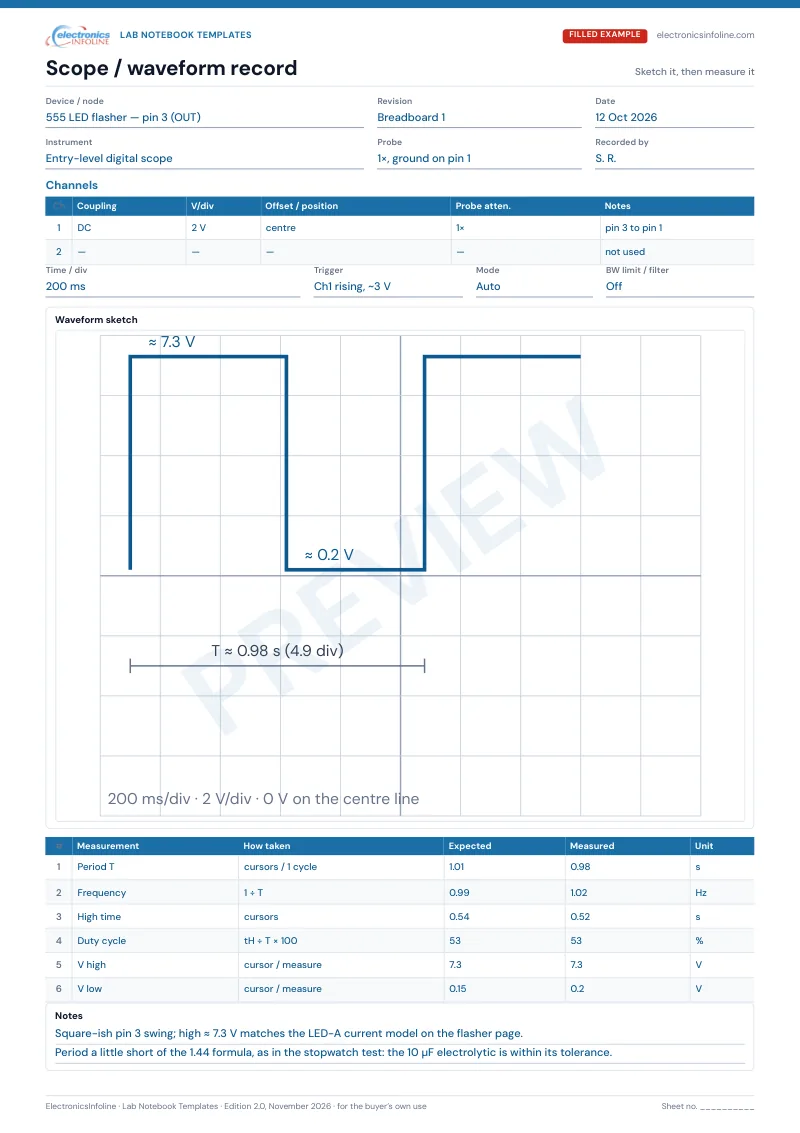
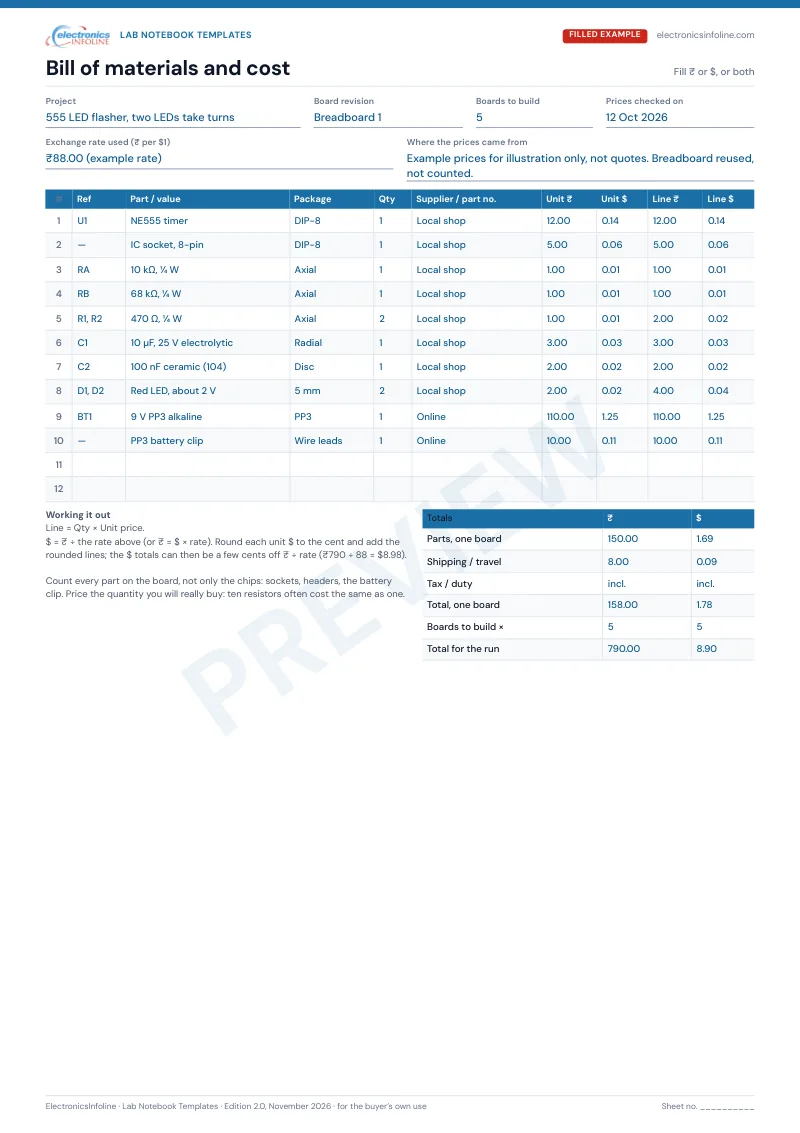
The cover, then four filled sheets from the A4 set. The previews carry a "Preview" watermark. The PDFs you download have none.
Free sample page
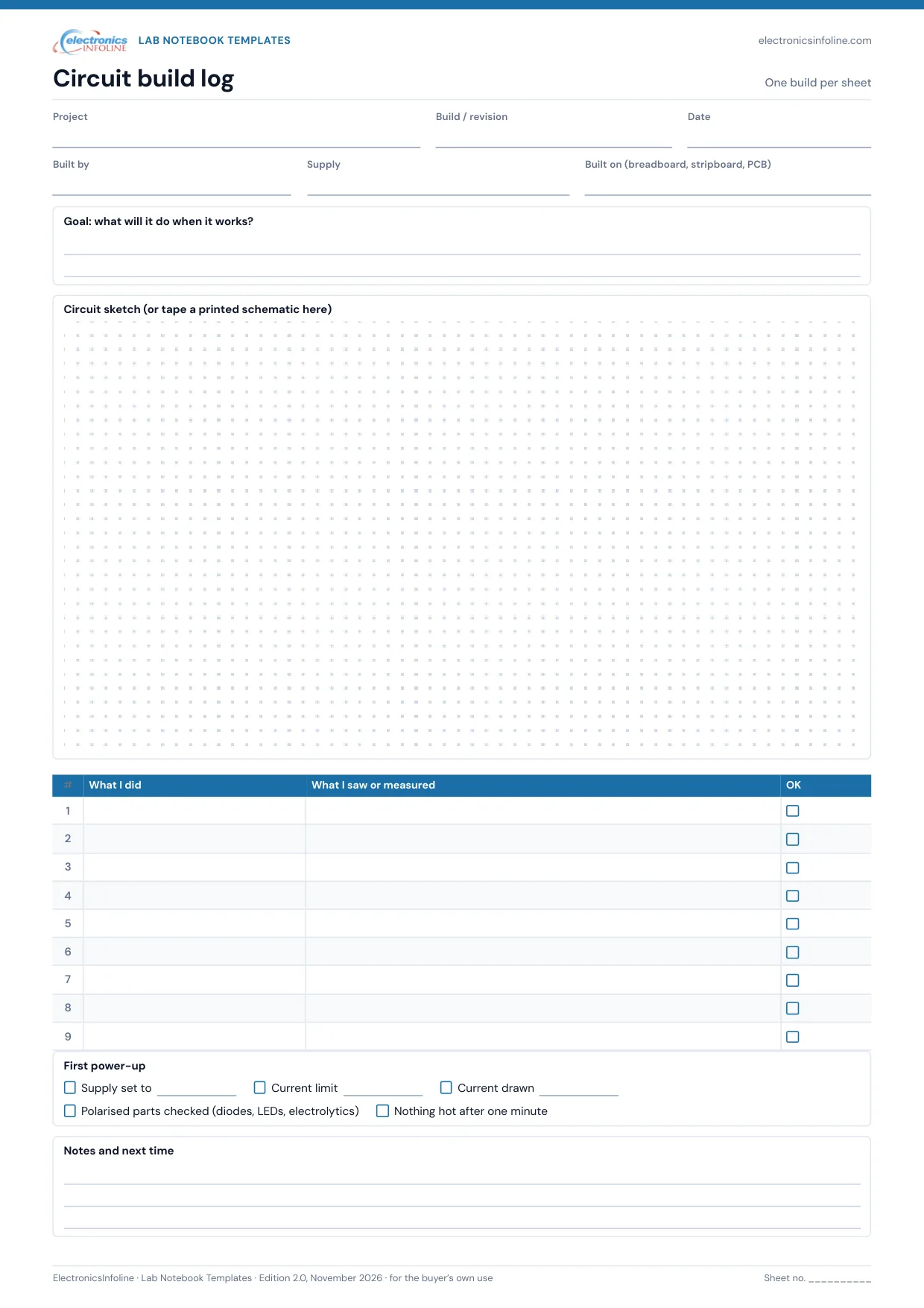
The blank circuit build log, A4, exactly as it comes in the pack. Print it and use it.
What’s inside
Project cover and index
Title, goal, revision and status, and a list of every sheet that belongs to the build.
Circuit build log
Goal, a dot-grid sketch area, the build steps in order with what you saw at each one, and a first power-up checklist.
Design-calc sheet
Each quantity with its formula, inputs, expected value, unit and source, and room to show the arithmetic before you measure.
Test and measurement record
Instrument, range and setup, then each test point with its expected value, the reading, the unit and a pass or fail.
Scope and waveform record
Channel settings, time/div and V/div, the trigger, a grid to sketch the trace, and a table for period, frequency, duty cycle and levels.
BOM and cost worksheet
Reference, part, package, quantity and supplier, with unit and line costs in both ₹ and $, the exchange rate you used, and totals per board and per run.
Troubleshooting flow sheet
Six checks in order, from looking and smelling to changing one thing at a time, then a table of suspects to rule in or out.
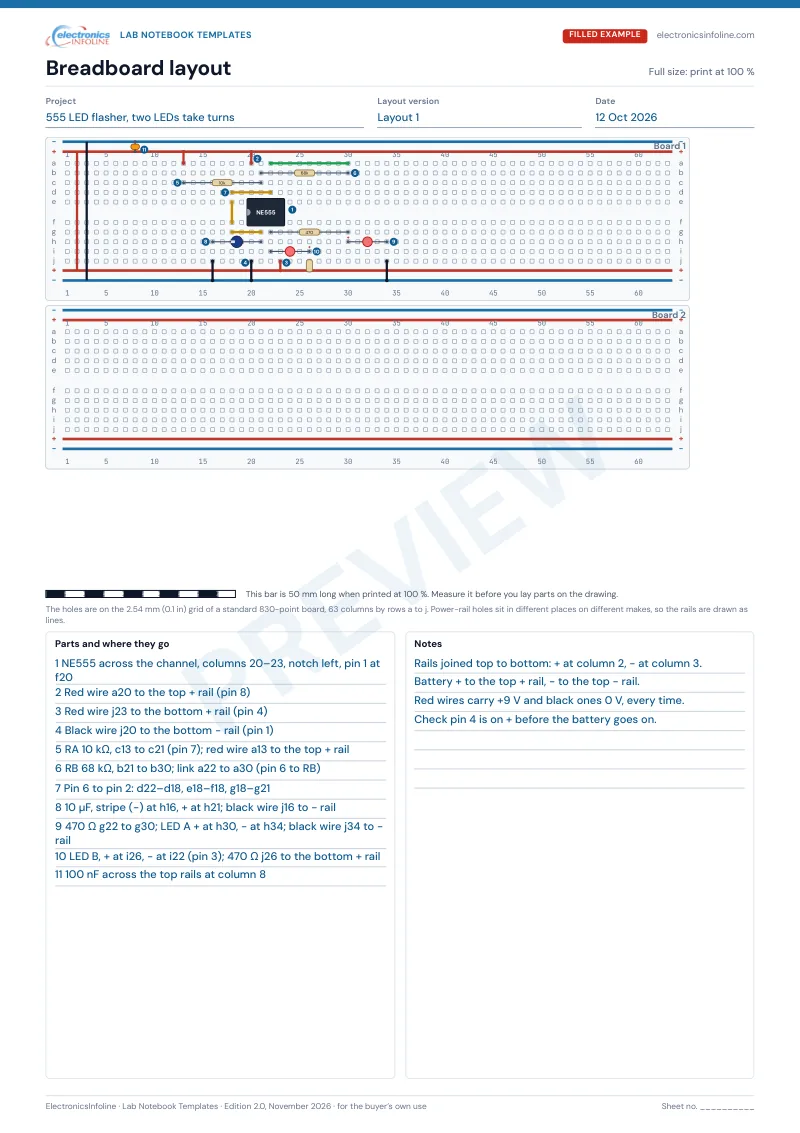
Breadboard layout grid
Two standard 830-point breadboards drawn at full size on the 2.54 mm grid, with a 50 mm bar to check the print.
Filled examples
All eight sheets filled in for our 555 LED flasher: about 0.99 Hz from 10 kΩ, 68 kΩ and 10 µF, LED currents of 11.3 and 14.6 mA, and every part placed hole by hole on the breadboard.
Start here
One page on what each sheet is for and how to print at actual size, with links to the flasher page, the calculators and the companion books.
Who it is for
Students who must keep a lab record, hobbyists who want to remember next month why a build works, and anyone who has lost an evening to a fault they had already found once. Teachers can hand the blank sheets out as a lab format.
Everything in the pack is also free on the site, spread across these pages. The pack puts it on paper in one place:
Tips and tricks
- Write the expected value before you measure. If you write it after, you will talk yourself into whatever the meter shows.
- Record the number, not the verdict. “7.3 V” still means something next month; “OK” does not.
- Give every change its own row in the build log. Two changes at once and you will not know which one fixed it.
- Note the meter range with the reading. The 200 mA range drops more voltage than the 10 A range, and that can change what the circuit does.
- Print the breadboard sheet and lay the real parts on it before you start. A layout that crowds the chip shows up on paper first.
- Write the exchange rate on the BOM the day you price it. Rates move, and a dollar column with no rate is useless in six months.
What we would do
Start with the build log and the test record; those two answer most of the questions you will have about a project later. Print a dozen of each, punch them and keep them in one file per project. Add the troubleshooting sheet the first time something refuses to work, and fill it in as you go, not afterwards.
Questions
- What size paper do these print on?
- A4 and US Letter. Each size has its own folder with the same eight sheets and the same filled examples, laid out for that paper, so nothing gets cut off or scaled.
- What is new in Edition 2.0?
- Three new sheets (project cover, design calculations and a scope record), a cover page, the start-here page in both paper sizes, and filled examples for all eight sheets.
- Is the breadboard grid really full size?
- Yes, when printed at 100 %. The holes are on the 2.54 mm grid of a standard 830-point board, and the sheet carries a 50 mm bar so you can check the print with a ruler. Power-rail holes vary between makes, so the rails are drawn as lines.
- Why does the BOM sheet have both ₹ and $ columns?
- Parts often come from an Indian shop and an overseas site in the same order. You can fill one column, or both with the exchange rate you used written at the top, and the totals for one board and for the whole run work either way.
- Can I fill them in on a tablet?
- They are plain PDFs, so any app that writes on a PDF will do. They were laid out for pen and paper, though, with room for handwriting.
- Do I need a colour printer?
- No. Every sheet prints well in black and white. Colour only helps on the filled breadboard example, where the wires are coloured.
- Can a college or ITI use them for lab records?
- For your own records, print as many as you like. For a class or an institute, write to [email protected]; an institute licence is planned.
Price, tax and refunds
Rupee prices include GST, and you pay them through Razorpay. You pay dollar prices through PayPal. We never see your card or bank details. Because this is a digital download, the refund policy applies: if the file will not download or open, write to [email protected] within 7 days and we will fix it or send a replacement.